
TrueCommand
TrueCommand is a ZFS-aware solution, allowing you to set custom alerts on statistics like ARC usage or pool capacity, ensuring storage uptime and future planning. TrueCommand also identifies and pinpoints errors on drives or vdevs, saving valuable time when troubleshooting and resolving issues.

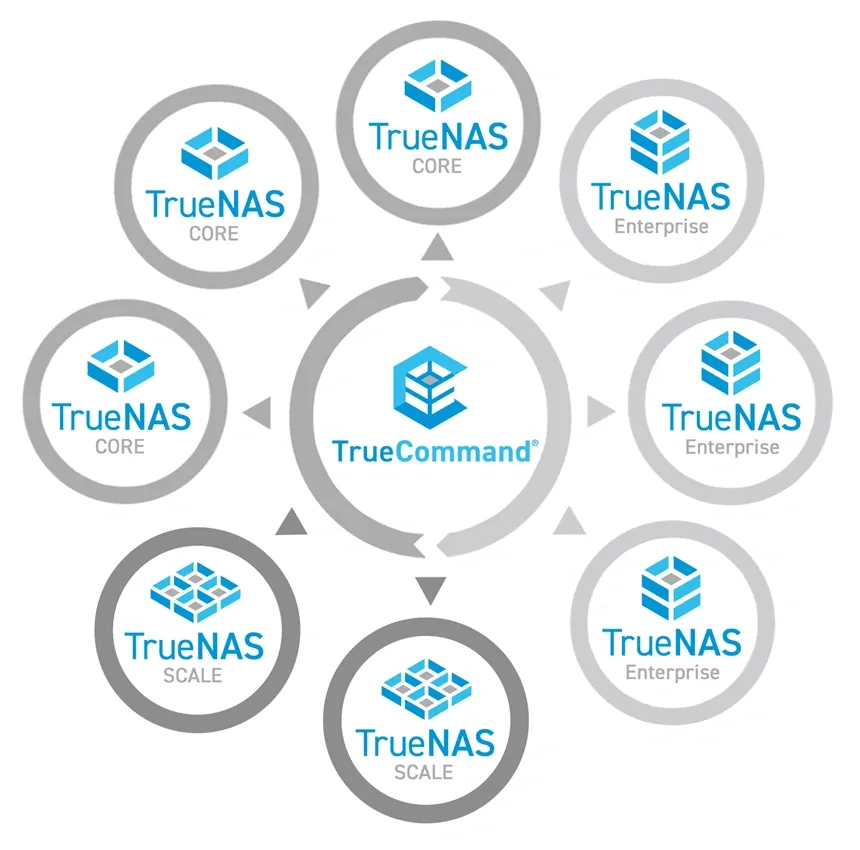
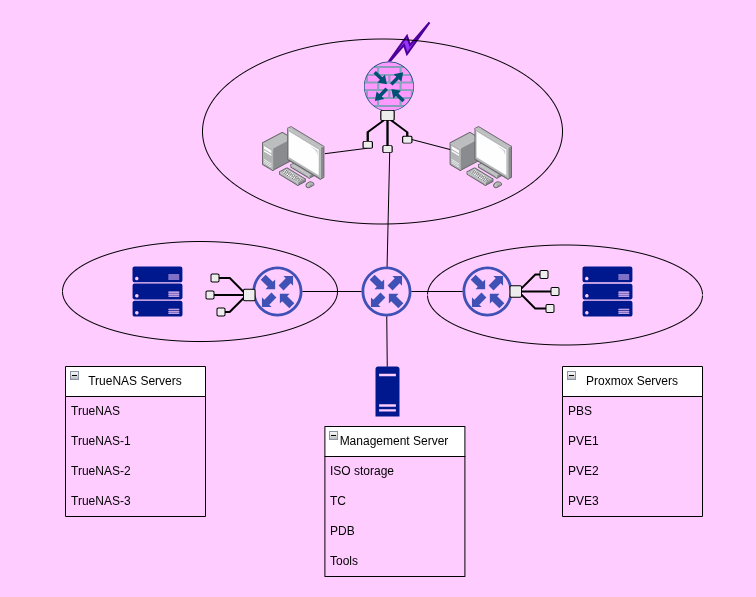
This is like Proxmox Datacenter Manager but for the other great Virtualization System, TrueNAS. As I also have a TrueNAS Cluster, I need this tool. Both PDM and TC are running on a standalone server with a bunch of other tools for managing Servers, DataBases and Networking.
System Requirements
Recommended System Requirements
- Any 64-bit Linux distro (we recommend Debian)
- Linux Kernel Support: 4.x or later
- 1 CPU with 2 GB RAM
- 1 Hard Disk with 50 GB storage space
- Customer networking settings and internet access
Installation
Docker setup
The username and password for the VM images are both truecommand, you will reset during the initial setup. You might need to change all or just some of the ones below:
if you have other Docker services running on the VM , you might need to change ports
- 80:80 if you have other services, change to a more practical 8080:80
- 443:443 if you have other services, change to a more practical 8443:443
The volume should be set to one that suites your setup
./truecommand/data:/data change according to your Docker setup strategy
---
services:
    truecommand:
        volumes:
            - ./truecommand/data:/data
        ports:
            - 80:80
            - 443:443
        image: ixsystems/truecommand
        container_name: truecommand
        restart: unless-stopped
Start by the normal docker compose up -d
Checking the status of the running containers
This will also return which port numbers on the local host get redirected to the TrueCommand container
docker ps
Stopping the container
docker stop <container ID>
References
TrueCommand [1]
Truecommand homepage, Docker Hub, Documentation, Installation ↩︎


