
Proxmox: IOMMU + DarkMode
#Proxmox #IOMMU To pass PCI modules to VM's in Proxmox. #Darkmode for Proxmox is nice for your eyes. I use it to save my eyes.


If you need to pass HW modules to VM's you need IOMMU
For some apps you need to pass PCI devices to make the functional. This mean two things: you can't use CT's and you need IOMMU.
Device you need to pass directly into a VM are: a network cards a disk and raid controllers or some other PCI stuff. Some network cards needs more options to be stable. I have a sample below.
For passing trough graphics card you need more options and that you need to find out for your setup yourself, I don't us any so I have no experience.
Make sure your servers CPU has Intel's VT-x and VT-d or AMD's AMD-Vi implemented. (Find your cpu by lscpu and then check the specs). Then the IOMMU (I/O Memory Management Module) interrupt remapping is supported.
Depending on your motherboards quality it will work or not.
With AMD it should be on automatically but Intel needs some work.
Check for IOMMU support
cat /proc/cpuinfo | grep --color vmxUpdate and enable IOMMU
Start a terminal and check if you are running grub: efibootmgr -v
Add the needed modules and Update
Edit the /etc/modules , you need these modules to load
nano /etc/modules vfio
vfio_iommu_type1
vfio_pci
vfio_virqfdUpdate initramfs
update-initramfs -u -k allUpdate GRUB
nano /etc/default/grubAdd the lines and uncomment if needed (for GPU's you need more options)
GRUB_CMDLINE_LINUX="intel_iommu=on"
#GRUB_CMDLINE_LINUX="intel_iommu=on vfio_iommu_type1.allow_unsafe_interrupts=1"
Save the file and exit nano
Make it into all modules
update-grubUpdate EFI
If booting ZFS on EFI. For this PVE uses systemd-boot instead of grub,
this means that running update-grub do not work.
Edit the file /etc/kernel/cmdline and append to the line: intel_iommu=on
You can also try rootdelay=10 intel_iommu=on, it solves some issues with longer RAID- card cables.
Then execute pve-efiboot-tool refresh
Reboot the system now
Check for iommu groups
dmesg | grep -i -e DMAR -e IOMMUCheck if the previously added kernel modules loads correctly
lsmod | grep vfioFind all your devices (on enterprise grade servers the list is pages long)
lspci -nnkFor NIC's the command would be
lspci | grep EthernetFor RAID controllers type
lspci | grep SASNow you should be able to pass PCI modules to your VM's
For more info consult your HW and CPU vendors documentation and read the Proxmox documentation.
DarkMode for Proxmox - PVEDiscordDark
This is not needed on newer Proxmox installs - just use the theme Proxmox Dark.
Updates will overwrite this features until Proxmox gets there act together and creates an out of the box dark mode for the GUI.
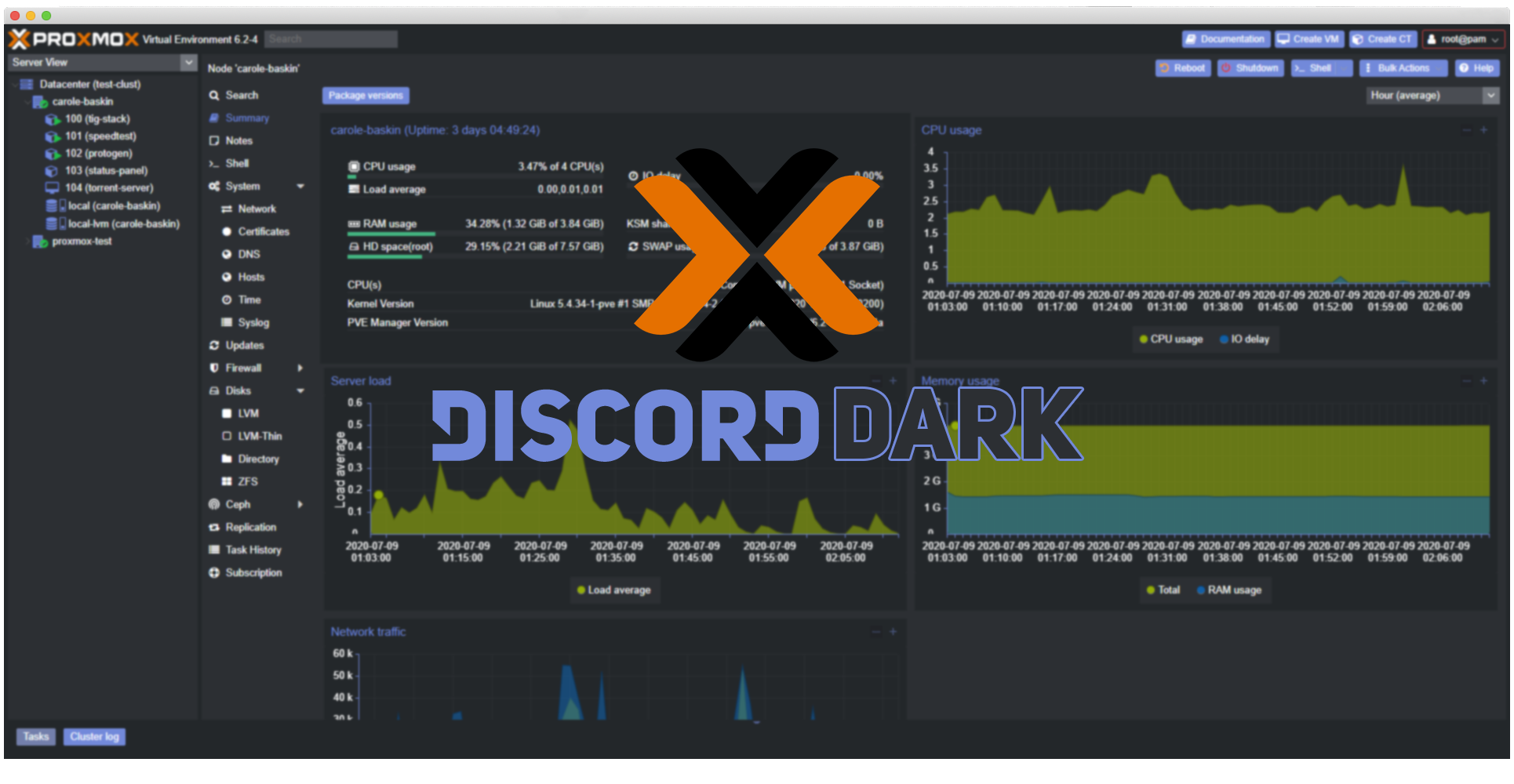
PS Proxmox DarkMode kudos to #weilbyte :
wget https://raw.githubusercontent.com/Weilbyte/PVEDiscordDark/master/PVEDiscordDark.sh
bash PVEDiscordDark.sh install
bash <(curl -s https://raw.githubusercontent.com/Weilbyte/PVEDiscordDark/master/PVEDiscordDark.sh ) install


